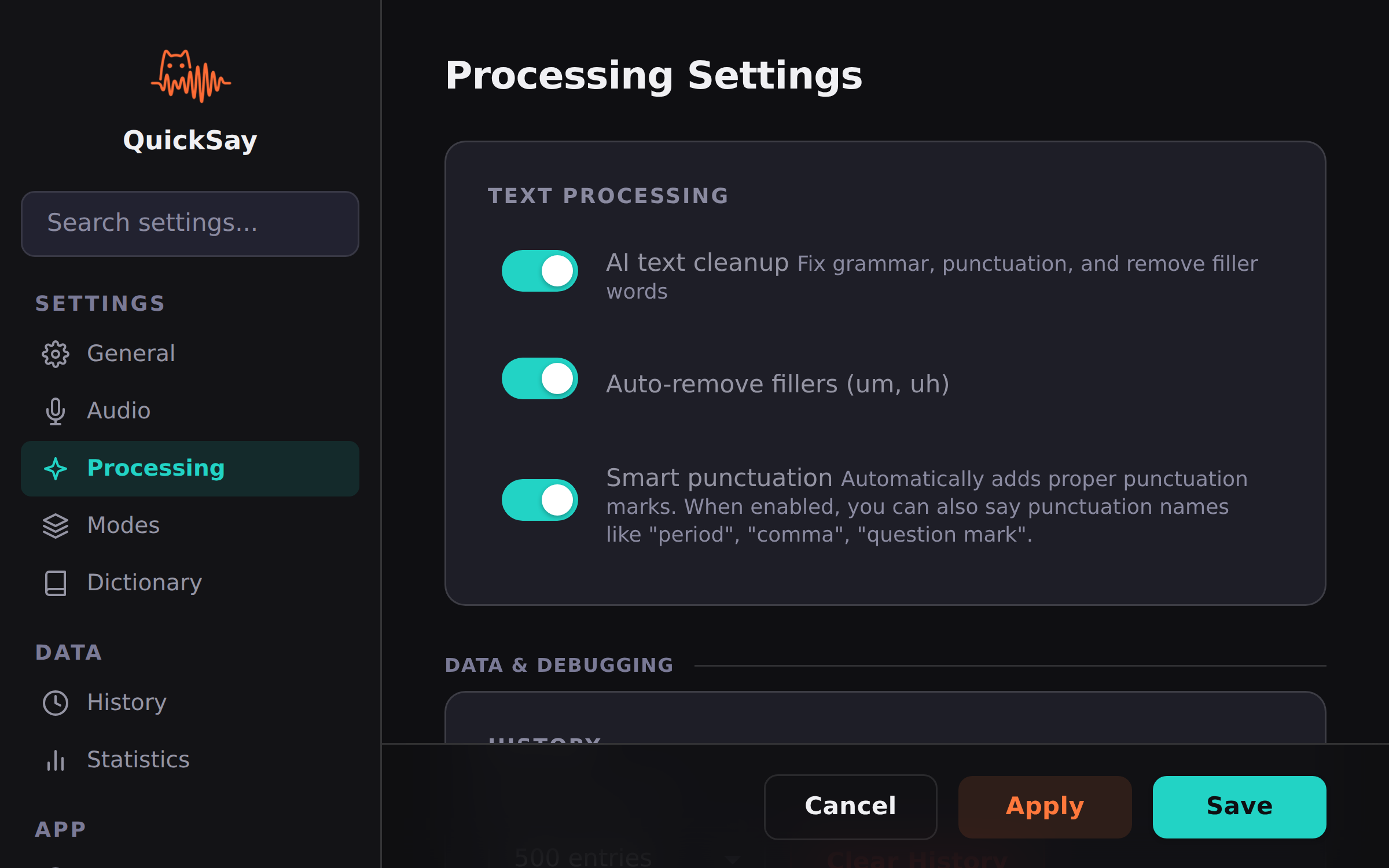
Voice commands are processed by AI as part of the text cleanup step. You don’t need to pause or use a special trigger word, just speak them naturally within your dictation and they’ll be interpreted as actions rather than literal text.
For example, saying “Send the report to Sarah new paragraph Let me know if you have questions period” produces:
Send the report to Sarah.Let me know if you have questions.
Navigation Commands
Command
Action
”new line”
Insert a line break
”new paragraph”
Insert a double line break
”go back”
Delete the last word
Formatting Commands
Command
Action
”bold that”
Wrap the previous phrase in bold
”capitalize”
Capitalize the previous word
”all caps”
Convert the previous word to uppercase
”undo”
Undo the last action
Punctuation Commands
Command
Action
”period” / “full stop”
Insert .
”comma”
Insert ,
”question mark”
Insert ?
”exclamation mark” / “exclamation point”
Insert !
”colon”
Insert :
”semicolon”
Insert ;
”open quote”
Insert " (opening)
“close quote”
Insert " (closing)
“open parenthesis”
Insert (
”close parenthesis”
Insert )
”dash”
Insert — (em dash)
“hyphen”
Insert -
”ellipsis”
Insert ...
Control Commands
Command
Action
”stop listening”
End the current recording session
”pause”
Temporarily pause recording
”resume”
Resume recording after pause
”scratch that”
Delete the last sentence
”select all”
Select all text in the current field
Tips for Best Results
Speak naturally. AI understands context, so you don’t need to be robotic.
Combine commands with dictation. “Meeting at 3pm comma conference room B period” works as expected.
Punctuation is also automatic. Even without explicit commands, AI adds punctuation based on your speech patterns. The commands above give you manual control when needed.